| |

Lightbringer
|
Reficul said:
Question, do you mean the Realm/Help tabs for links in that first image or the Packs Online # link?
For the first image "Explore/Battle" links, you need to change the .veryblack hex code or add it if it's not in your palette already. For the second image, that's the .veryblack a:link and .veryblack a:visited hex code. For the code to change the Toast notifications background, that'll be the following: .poll-body { background-color: #HEX !important; } along with .tertiary for a bit of it.
Got it, thank you^^ |
|
|
| |
Neutral
|
is there a way to remove this? i tried to do everything, and it's not moving away 😭 |
|
|
| |

Neutral
|
Cragroot said:
is there a way to remove this? i tried to do everything, and it's not moving away 😭
should be this:
.col-md-7 {display: none;} |
|
|
| |
Neutral
|
Caeruleum said:
Cragroot said:
is there a way to remove this? i tried to do everything, and it's not moving away 😭
should be this:
.col-md-7 {display: none;}
oh my goodness, you just saved me a headache, thank you! |
|
|
| |
Neutral
|
|
| |

Forum Moderator
Lightbringer
|
Does anyone know how to remove the WP Logo Header from mobile palette views? Chatbox header area too. ^^' Image for chat part, with two more questions. 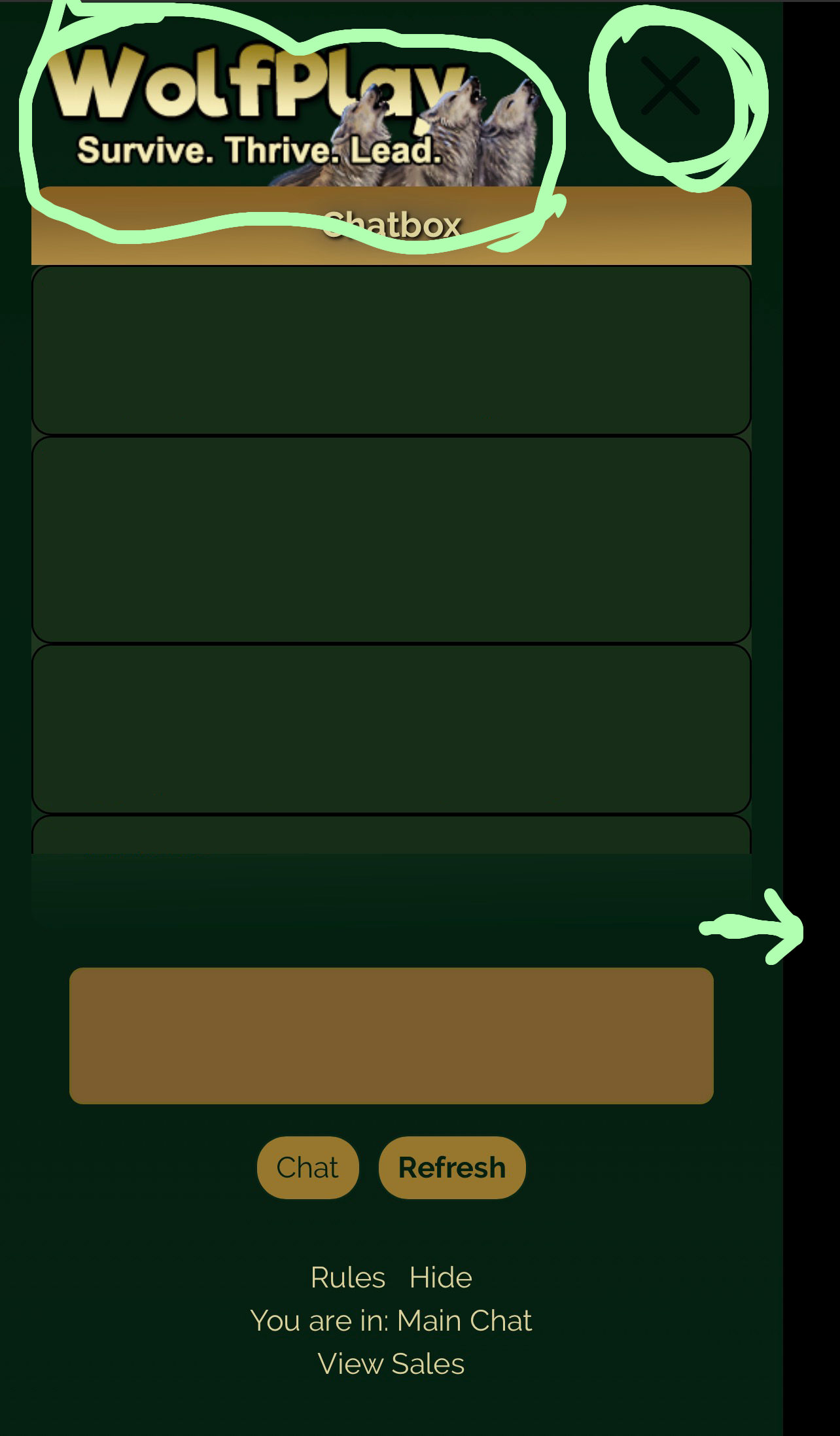
Forgive the sloppiness, I am doing this in a moving vehicle.
Does anyone know how to change the [X] and/or if it's possible to make the chatbox extend to fill the entire screen instead of leaving a blank spot on the side? |
|  |
|
| |

Darkseeker
|
Does anyone know how to remove the WP Logo Header from mobile palette views? Chatbox header area too. ^^' Image for chat part, with two more questions.
Forgive the sloppiness, I am doing this in a moving vehicle.
Does anyone know how to change the [X] and/or if it's possible to make the chatbox extend to fill the entire screen instead of leaving a blank spot on the side?Kháos said:
For mobile header: div.col-8 {content: url(link);} If you want it invisible I either make a transparent header or put the opacity to 0 For chat box button (and other pop up buttons) .btn-close {
--bs-btn-close-color: (#hex);
--bs-btn-close-bg: url(LINK);} Chatbox by default should cover the whole screen on mobile :0 Hope this helps |
|  |
|
| |
Forum Moderator
Lightbringer
|
It was helpful, thank you so much!! |
| |
|
| |
Forum Moderator
Lightbringer
|
Does anyone know the code for changing the color of this "Choose File" button? I just need the checkbox now!

Manage Alliance page And possibly the codes to change the forum scrollbar colors, highlighting color and text when typing colors as well please? 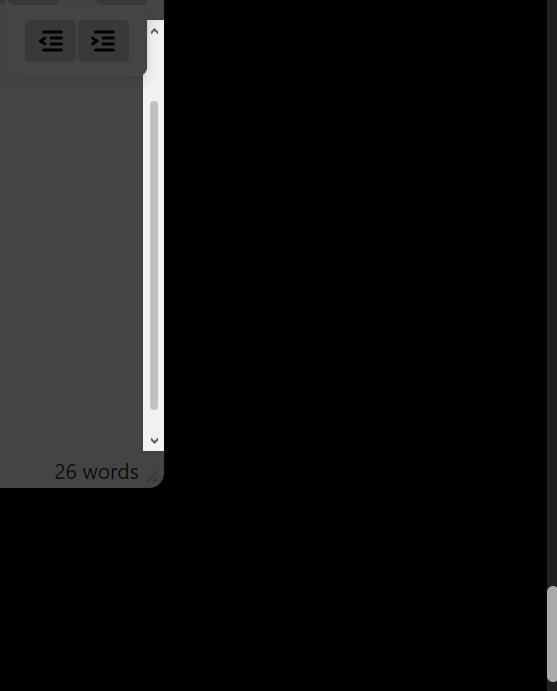
P.S. Ooh, and also maybeee the checkbox shown in the first picture's code? I think I have everything else covered, it's just those that I'm struggling with now. Unless the blue border when using the text areas can be removed. That would be awesome. I'll edit this if I figure them out before anyone answers, otherwise, thank you so much for any help! |
| |
|

 Fall Month: 1
  Day
Day 


